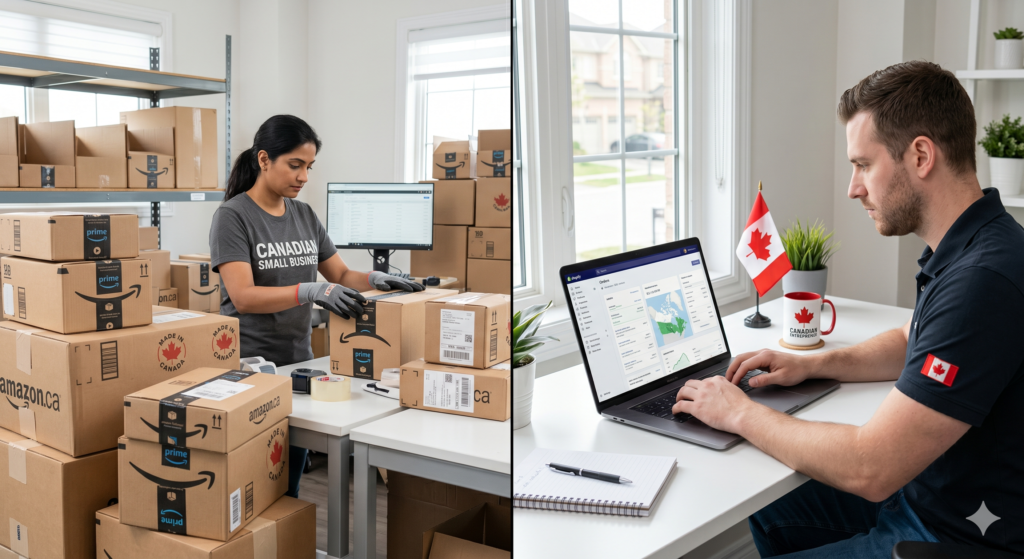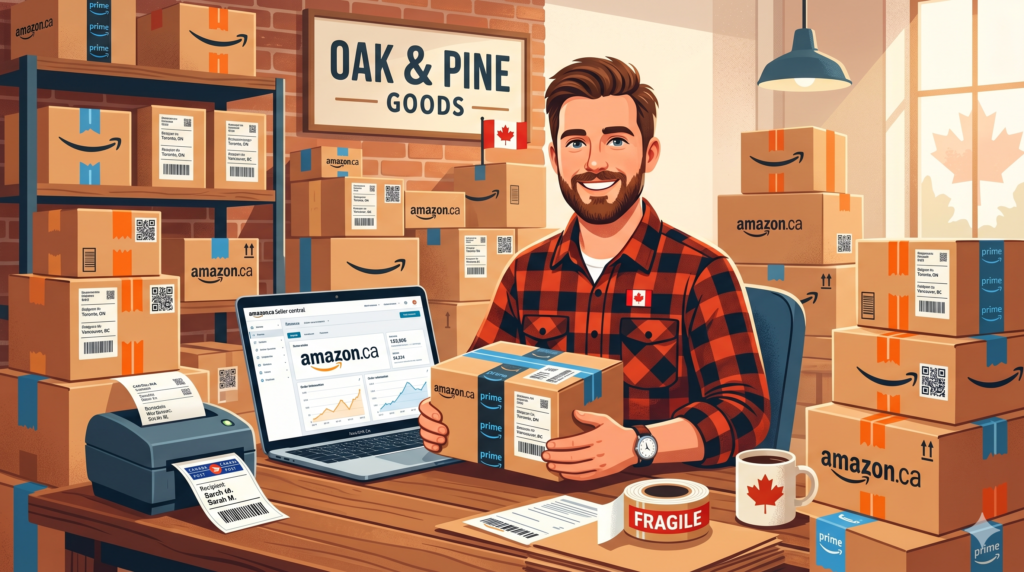
Amazon.ca is one of the largest e-commerce platforms in Canada, and it gives Canadian entrepreneurs access to millions of ready-to-buy customers without building their own store from scratch. Whether you want to sell private label products, flip retail finds, or move your existing inventory online, Amazon.ca offers a legitimate path to building a real income.
This guide covers everything you need to know to start selling on Amazon.ca in Canada in 2026 — from setting up your account to calculating your profit margins before you spend a single dollar on inventory.
Why Sell on Amazon.ca Instead of Amazon.com?
Many Canadian sellers make the mistake of focusing entirely on Amazon.com (the US marketplace) and ignoring the Canadian opportunity right at home.
Advantages of selling on Amazon.ca:
- Less competition than Amazon.com in most categories
- No cross-border shipping complexity for Canadian customers
- Prices in CAD — no currency conversion issues
- Faster delivery to Canadian customers improves your seller metrics
- Lower advertising costs due to less competition
Most experienced Canadian sellers list on both Amazon.ca and Amazon.com, but starting with Amazon.ca gives you a less competitive environment to learn the platform before scaling to the US market.
Step 1 — Choose Your Selling Model
Before creating your account, decide which selling model fits your goals and budget.
Private Label
You source a generic product from a manufacturer (usually in China via Alibaba), brand it with your own label, and sell it as your own product. This is the most popular Amazon business model because you own the brand and control the listing.
- Startup cost: $2,000–$10,000 CAD
- Profit margins: 25–45%
- Timeline to first sale: 3–6 months
- Best for: Entrepreneurs willing to invest upfront for long-term brand building
Retail Arbitrage
You buy discounted products from Canadian retailers (Walmart, Canadian Tire, Winners, Dollarama) and resell them on Amazon at a higher price.
- Startup cost: $500–$2,000 CAD
- Profit margins: 15–30%
- Timeline to first sale: Days to weeks
- Best for: Beginners who want to start fast with low risk
Online Arbitrage
Similar to retail arbitrage but you source products from online stores instead of physical retail locations. You buy low from one website and sell higher on Amazon.
- Startup cost: $500–$3,000 CAD
- Profit margins: 15–25%
- Timeline to first sale: 1–3 weeks
- Best for: Sellers who prefer sourcing from home
Wholesale
You buy products in bulk directly from Canadian or international brands and distributors at wholesale prices, then resell them on Amazon.
- Startup cost: $3,000–$15,000 CAD
- Profit margins: 10–20%
- Timeline to first sale: 1–3 months
- Best for: Sellers who want established brands with proven demand
Dropshipping
You list products on Amazon without holding inventory. When a customer orders, you purchase from a supplier who ships directly to the customer.
- Startup cost: $200–$1,000 CAD
- Profit margins: 5–15%
- Timeline to first sale: 1–2 weeks
- Best for: Sellers who want to test products with minimal upfront investment
- Note: Amazon has strict dropshipping policies — read them carefully before starting
Step 2 — Set Up Your Amazon Seller Account
Go to sell.amazon.ca and create your seller account. You’ll need:
- Business email address
- Canadian bank account for payments
- Credit card for seller fees
- Government-issued photo ID
- Business information (sole proprietor or incorporated)
- Tax information (SIN for sole proprietors, BN for incorporated businesses)
Choose between two account types:
Individual Plan — No monthly fee, but you pay $1.49 CAD per item sold plus referral fees. Best if you’re selling fewer than 20 items per month while testing the platform.
Professional Plan — $29.99 CAD per month, unlimited listings, access to advertising tools and bulk listing features. Best once you’re selling consistently.
Most serious sellers start with the Professional Plan from day one to access all selling tools, but the Individual Plan works fine for testing your first products.
Step 3 — Understand Amazon’s Fee Structure
This is where many new Canadian sellers go wrong. They look at their selling price and assume most of it is profit — without accounting for Amazon’s multiple fee layers.
Referral Fees — Amazon charges a percentage of each sale depending on the product category:
- Electronics: 8%
- Clothing and accessories: 17%
- Home and kitchen: 15%
- Beauty: 8%
- Toys and games: 15%
- Books: 15%
- Health and personal care: 8%
FBA Fulfillment Fees — If you use Fulfillment by Amazon (FBA), Amazon stores, packs, and ships your products. Fees are based on product size and weight, typically ranging from $3.50 to $12+ CAD per unit for standard-size products.
Storage Fees — Amazon charges monthly storage fees for inventory sitting in their warehouses. Long-term storage fees apply to inventory stored for over 365 days.
Advertising Costs — Most competitive categories require Amazon PPC (Pay-Per-Click) advertising to generate initial sales. Budget 10–20% of revenue for advertising when launching a new product.
Before sourcing any product, calculate your real profit margin accounting for all these fees.
Use our Free Amazon FBA Calculator to enter your product price, COGS, shipping costs, referral fees, and FBA fees to see your actual profit margin before you commit to any inventory purchase. It’s built specifically for Canadian sellers and takes the guesswork out of product math.
Step 4 — Find a Profitable Product to Sell
Product selection is the most important decision you’ll make as an Amazon seller. A great product in a bad market fails. A mediocre product in a great market succeeds.
What makes a good product for Amazon.ca:
- Selling price between $25 and $70 CAD (high enough for profit, low enough for impulse buying)
- Lightweight and small (lower FBA fees)
- Simple to manufacture with few moving parts (fewer quality issues)
- Not dominated by major brands (room for a new seller to compete)
- Consistent year-round demand (not heavily seasonal)
- At least 10 reviews on the top 3 listings with room to compete
Product research tools:
- Helium 10 (paid, industry standard)
- Jungle Scout (paid, popular with beginners)
- Amazon’s Best Sellers list (free, good starting point)
- Google Trends (free, check seasonal demand)
Categories to consider for Amazon.ca beginners:
- Kitchen and dining
- Sports and outdoors
- Pet supplies
- Home organization
- Baby products
- Office products
Categories to avoid as a beginner:
- Electronics (high return rates, complex)
- Supplements (strict regulations in Canada)
- Clothing (high return rates, size complexity)
- Anything with major brand dominance
Step 5 — Source Your Product
Once you’ve identified a product opportunity, you need to find a supplier.
For private label products:
Alibaba.com is the primary sourcing platform for finding manufacturers in China, India, and other countries. Search your product, filter for verified suppliers, request samples from 3–5 manufacturers, and compare quality and pricing before committing to a bulk order.
Key sourcing tips:
- Always order samples before placing a bulk order
- Negotiate pricing — most Alibaba prices are starting points
- Request third-party quality inspection before shipment
- Budget for shipping costs from the manufacturer to Amazon’s Canadian warehouse
For retail and online arbitrage:
Use tools like Keepa (free browser extension) to check Amazon price history and sales rank before buying any product. Never buy without verifying the product has consistent sales history on Amazon.ca.
Step 6 — Create an Optimized Amazon Listing
Your product listing is your storefront on Amazon. A poorly optimized listing loses sales even with a great product.
Title — Include your main keyword, key product features, and size/quantity. Keep it under 200 characters and readable.
Bullet Points — Five bullet points highlighting key benefits. Lead with the benefit, then explain the feature. Focus on what matters most to your target customer.
Description — Use A+ Content if available (requires Brand Registry). Otherwise write a clear, benefit-focused description with your main keywords naturally included.
Images — Minimum 6 images: main white background image, lifestyle shots showing the product in use, size reference image, and feature callout images. High quality images directly impact conversion rate.
Keywords — Research keywords using Helium 10 or the free Amazon search bar autocomplete. Include your main keywords in the title and naturally throughout your listing.
Step 7 — Launch Your Product and Get Initial Reviews
Amazon’s algorithm favors products with sales velocity and positive reviews. New listings with zero reviews struggle to get organic visibility.
Strategies to launch a new product on Amazon.ca:
Friends and family reviews — Ask people you know who genuinely try your product to leave honest reviews. Never incentivize reviews or violate Amazon’s terms of service.
Amazon Vine Program — If Brand Registered, you can enroll products in Amazon Vine, which gives your product to trusted reviewers in exchange for honest reviews.
PPC Advertising — Run Amazon Sponsored Product ads from day one to generate initial sales velocity. Start with automatic campaigns to discover which keywords convert, then build manual campaigns targeting your best performers.
Launch pricing — Consider pricing slightly below competitors during your launch period to win the Buy Box and generate initial sales data.
Step 8 — Understand Canadian Tax Obligations for Amazon Sellers
Selling on Amazon.ca creates tax obligations that many new Canadian sellers overlook.
GST/HST — Once your Amazon sales exceed $30,000 CAD in any 12-month period, you must register for GST/HST and remit tax on Canadian sales. Amazon collects and remits GST/HST on your behalf for sales through Amazon.ca as of 2022, but you still need to register and report correctly.
Income tax — All Amazon revenue is business income and must be reported on your T1 personal return (sole proprietor) or T2 corporate return (incorporated).
Import duties — If sourcing products internationally, Canadian customs duties apply when importing. Work with a licensed customs broker for shipments over $3,300 CAD.
Deductible expenses — Product costs, Amazon fees, advertising spend, software subscriptions, shipping, and home office expenses are all potentially deductible. Keep detailed records of every business expense.
Calculate Your Profit Before You Buy Any Inventory
The single biggest mistake new Amazon.ca sellers make is buying inventory before properly calculating their profit margin. Many sellers discover after the fact that their product barely breaks even after Amazon fees, shipping, and advertising costs.
Before spending a dollar on inventory, use our Free Amazon FBA Calculator to model your numbers. Enter your expected selling price, cost of goods, shipping to Amazon, referral fee percentage, and FBA fulfillment fees to see your real margin.
A healthy Amazon product should have a profit margin of at least 25% after all fees. If your numbers show less than that, find a different product or negotiate better pricing with your supplier before proceeding.
Realistic Timeline for Amazon.ca Sellers
Month 1–2: Account setup, product research, supplier sourcing, sample ordering
Month 2–3: Inventory production, shipping to Amazon warehouse, listing creation
Month 3–4: Product launch, initial PPC campaigns, first reviews
Month 4–6: Optimization based on data, scaling advertising, improving listing
Month 6–12: Consistent sales, launching second product, building brand
Most Canadian sellers see their first profitable month between months 4 and 8 depending on product selection, budget, and how much time they invest in optimization.
Final Thoughts
Selling on Amazon.ca is one of the most accessible ways for Canadians to build an e-commerce business in 2026. The platform handles payment processing, fulfillment, and customer service — letting you focus on finding great products and growing your brand.
The sellers who succeed are not the ones who move fastest — they’re the ones who do their homework, calculate their numbers carefully, and make data-driven decisions at every step.
Planning to sell on Amazon.ca? Use our Free Amazon FBA Calculator to calculate your real profit margin before buying any inventory — built specifically for Canadian sellers. Also try our Free Invoice Generator for your wholesale and supplier invoicing needs.